
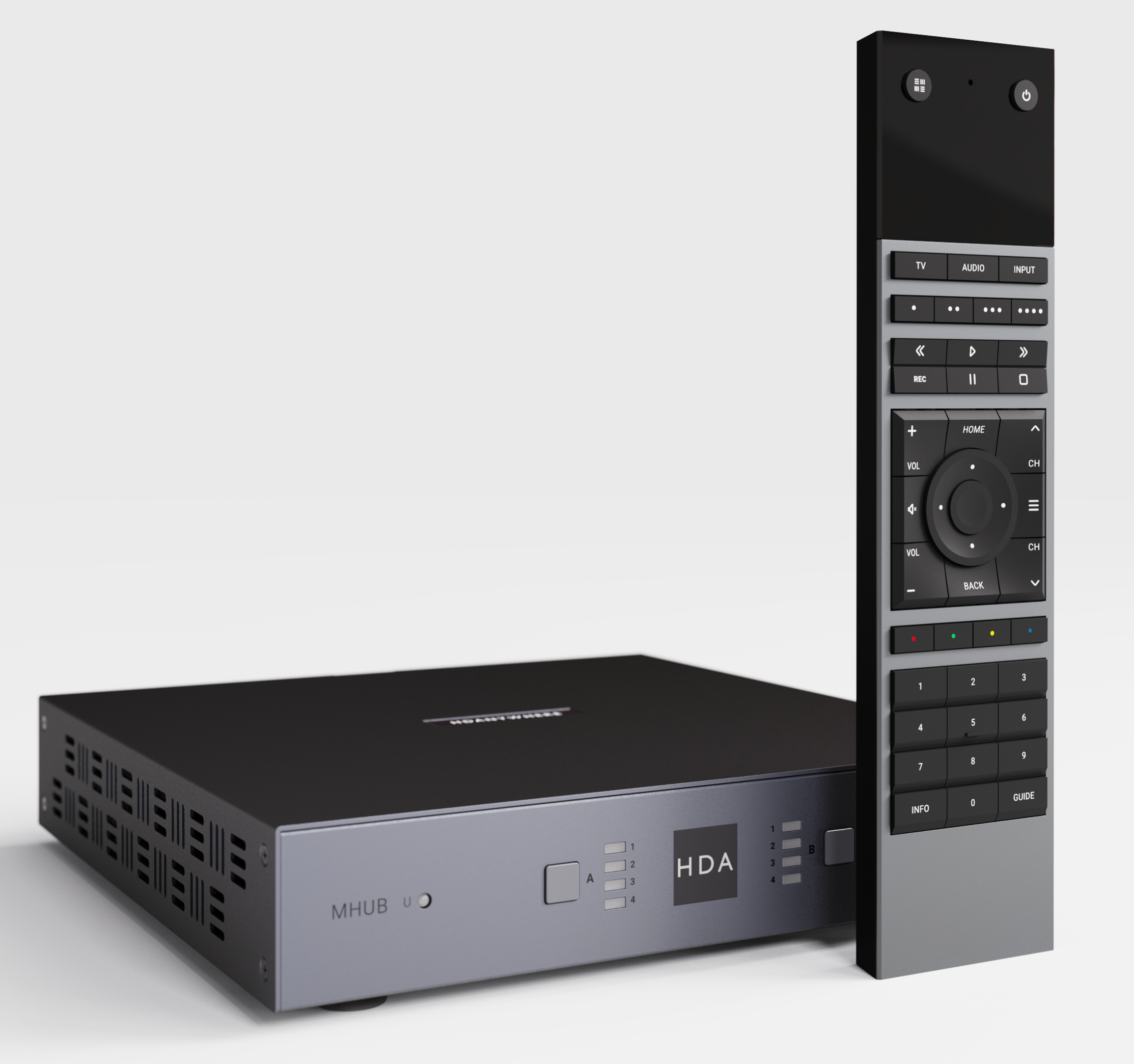
If you are thinking about upgrading your existing MHUB system to support the newly announced uControl Remote 2 then you have two options available to you: 1) upgrade your system capability with a control processor or 2) use AI or the open source community to write an integration for your system. The pros and cons of each option and systems supported are detailed below:
Option 1: Upgrade your MHUB by adding a new uControl Controller to it
A controller, such as the uControl Zone Processor 5, can be added to the following systems to allow it to work with uControl Remote 2. Adding a controller to your MHUB brings additional benefits in the form of IP control, smart automation for lighting and blinds and access to the new uControl app.
Whilst this option requires a further investment to upgrade your hardware, it is the simplest to deploy and is available to purchase today.
Note: the uControl Remote 2 will be bundled with a more powerful controller upon release in new hardware called the uControl Connect Hub. This is an optional further upgrade should you wish to future-proof your system.
If you have the following MHUB system then it will work with a controller upgrade.
- MHUB (4×1+1) 100A
- MHUB (4×4) 100A
- MHUB (6×6) 100A
- MHUB S (8+8×8) 100A
- MHUB S (16+16×16) 100A/DM
Older MHUB systems
If you own a legacy or discontinued MHUB and wish to upgrade to uControl Remote 2 then the same controller is required but your MHUB must meet the following requirements.
- MHUB U (4×3+1 & 8×6+2)
MHUB-OS 8.21 or higher - MHUB PRO 2 (4×4 &8×8)
MHUB-OS 8.21 or higher - MHUB S (8+8×8) 100
MHUB-OS 8.2x
If you own one of the systems above, it is important to note some caveats:
- The AV setting page on your controller may stop working and may become unresponsive; this will mean settings like EDID, scaling and audio settings will need to be manually set via a direct command.
- Slave (if your system comprises of more than one HDA device) auto-healing is not supported; this means that if the MHUB is not fixed to a IP address (MAC reservation or static IP) if it moves, the controller will be unable to automatically search and update the address requiring a manual intervention.
Option 2: Someone writes or builds an integration (no controller needed & potentially free)
The uControl Remote 2 is special because the code that programs it is completely open. This means that anyone (or any AI) could write an integration for your MHUB which can pull data from your system and use that to program the Remote 2. This effectively means that all MHUB systems can be upgraded to support any MHUB manufactured since 2016. Our recommendation is to ask on any of the uControl Development and Hackers group to see if such integrations exist or if you would like to tackle it as a project for yourself.
- MHUB PRO (4×4) 40
- MHUB PRO (4×4) 70
- MHUB PRO (8×8) 40
- MHUB PRO (8×8) 70
- + all of the devices listed above